 There are a lot of mastering suite plug-ins available on the market today. Some are cheap. Some are expensive. Some are great. Some are rubbish and everything else in between.
With that being said, let us point you in the right direction by recommending T-Racks 3, which is a great buy for the money ($500 at time writing).
In terms of mastering audio you can do a lot of things with it, but today we will focus on how easy it is to get a professional sounding master recording with ease – time and time again.
For demonstration purposes we’ll be using an RnB beat we made for Beatlease.com Hip Hop Instrumentals. Beatlease is a premiere production company specializing in High Quality hip-hop and RnB beats. Be sure to check them out!
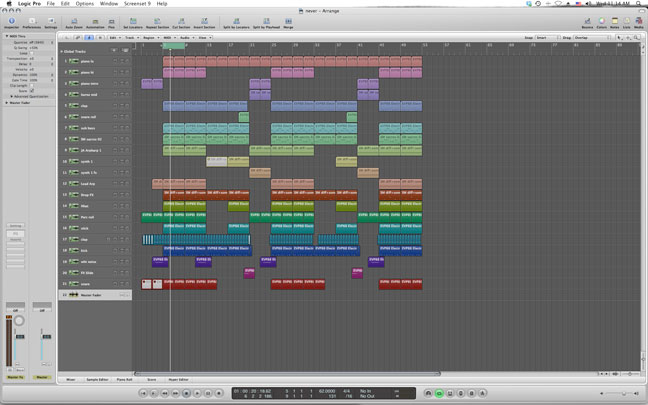
Here is a screen shot of our arrangement files as well as an audio snippet of the beat we’ll be mastering.
Now, lets begin to setup our mastering chain.
Make sure that none of your tracks are clipping before moving forward.
Step 1
Load up T-Racks 3 in the first chain slot of your Master Fader. Then add the linear phase EQ to the first chain slot within T-Racks 3.
Step 2
EQ your track and eliminate any problem frequencies in your mix. Brighten the high end and tighten up the low end a little, but don’t do anything too drastic here!! – just some minor tweaking.
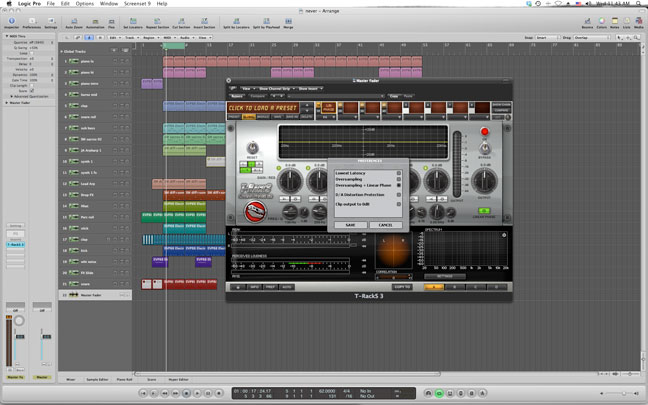
Note: Click on the box in the lower left corner titled “Pref” and make sure you have the “Over Sampling + Linear Phase” box highlighted.
Step 3
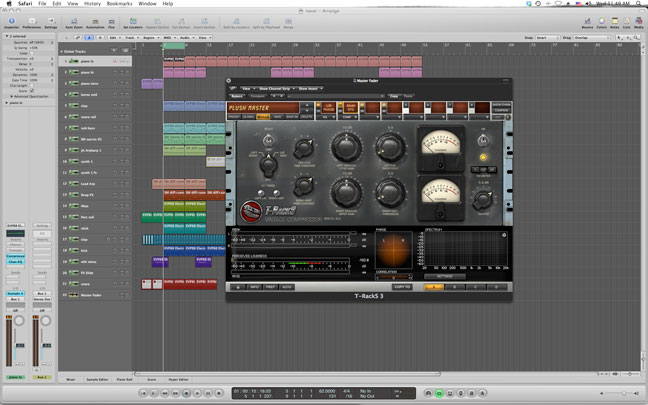
Load up the Model 670 compressor in the second chain slot of T-Racks 3. If you find the controls on this compressor confusing, experiment with some of the presets to get yourself going – there are some good ones.
In this case, we started out with the “1db of magic” preset and tweaked it to our liking. Pay attention to the settings.
Here is what the beat sounds like now.
As you can hear, it’s definitely louder and brighter than before.
Step 4
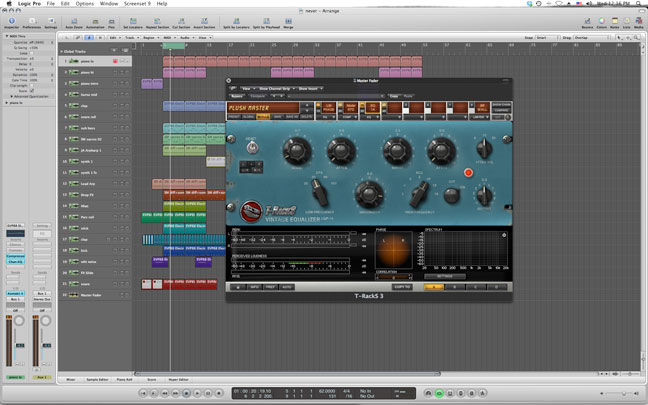
Insert the Vintage EQP-1A on the next available chain slot in T-Racks 3.
There is something about the coloration and transparency of this plug-in that we absolutely love! When used correctly it’s capable of bringing out the subtle nuances of a recording that otherwise wouldn’t exist and it sounds great on everything.
Boost the high frequencies up around 10K with a fairly wide bandwidth for some smooth high-end shimmer.
Here is what the track sounds like now.
It sounds clean, full, and polished but it’s not as loud as it needs to be. Here is where the Brick Wall Limiter comes into play.
Step 5
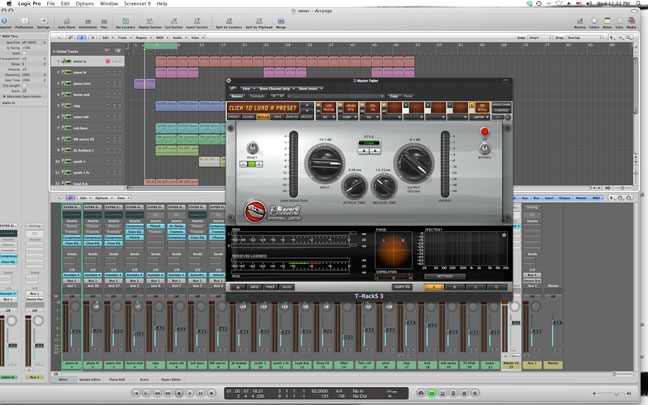
Load up the Brick Wall Limiter in the last slot of the T-racks 3 mastering chain and lets get some loudness out of the track.
Set the attack to .08ms and the release to 13.0ms – as these are good starting points. Tweak as necessary. Be sure to set your output ceiling to -.1db to prevent any clipping and finally increase the input level until you get 3 to 8db’s of gain reduction.
Lets have a listen now that the track is mastered.
Now we have a loud, clean master that will give this beat a professional, polished feel.
Step 6
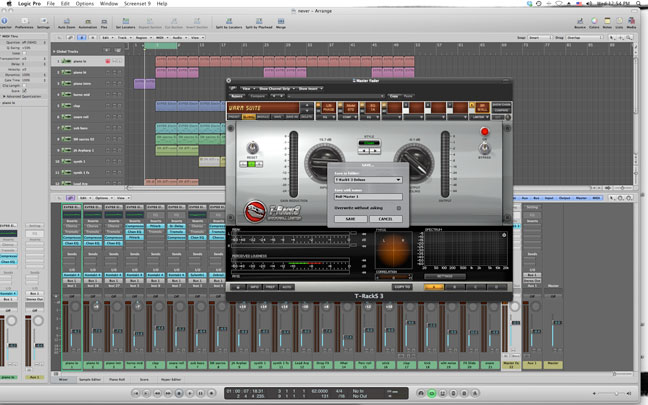
Save this mastering chain as a Global Preset in T-Racks 3 to access it instantly on future sessions. This will save you lots of time down the road.
Summary
We won’t say that T-Racks 3 can compete with a professional mastering studio and engineer equipped with all of the outboard gear that ‘home studio heads’ could ever imagine, but it can deliver some great results quickly and effortlessly – making it well worth the money.
What mastering plugins do you recommend?
Excellent tutorial!
Quick question…do you do this process AFTER you’ve done a preliminary mix of your song, or do you have this plugin active throughout the entire mix process? I sometimes find I “burn” my ears if I mix with it in all the time, but I do want the final product a big “crispy.” Just curious of your process.